
30 erprobte TikTok-Prompts für virale KI-Videos (2026)
Eine Prompt-Bibliothek zum Kopieren für Kurzvideos: Produktwerbung, Hintergrundwechsel, Relighting, Objektentfernung, Restyling und Foto-zu-Video-Hooks. Jeder Prompt ist für den Seedance-2.5-Video-Edit-Workflow getestet und dem passenden Template zugeordnet.
Kurzvideos leben von zwei Dingen: einem starken Hook und einer schnellen Produktionskette. KI-Videogenerierung liefert die Kette — wenn du weißt, was du eingeben sollst. Der Unterschied zwischen einem Clip, der wie eine Demo aussieht, und einem, der wie Werbung aussieht, liegt fast immer am Prompt.
Wir haben 30 Prompts zusammengestellt, die du direkt in den NovaVideo-Composer kopieren kannst. Sie sind für die Seedance-2.5-Workflows (Video-Edit und Image-to-Video) geschrieben, nach Ziel gruppiert, und jede Gruppe hat ein Ein-Klick-Template, falls du gar nicht tippen möchtest.
Ein Hinweis vorab: Die Prompts sind absichtlich auf Englisch. Die Videomodelle setzen englische Formulierungen am präzisesten um, und auch die Templates von NovaVideo arbeiten im Composer mit englischen Standard-Prompts. Einfach kopieren, einfügen, generieren — die deutsche Beschreibung dazu sagt dir, was jeder Prompt tut.
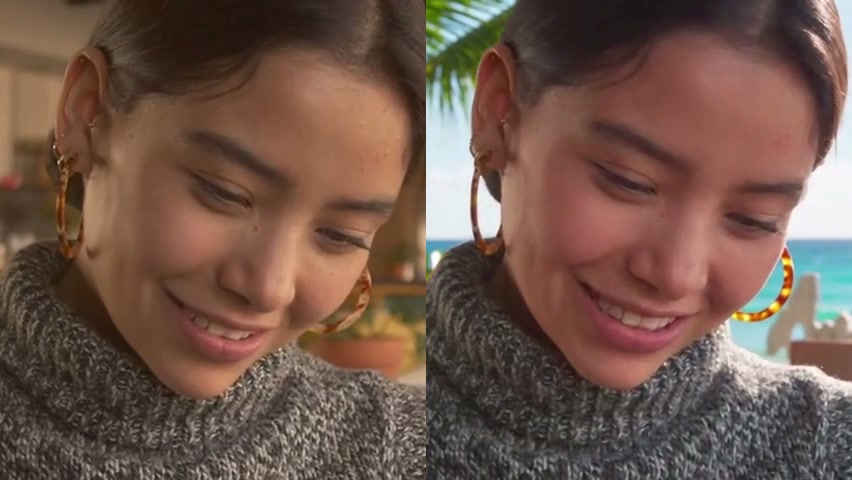
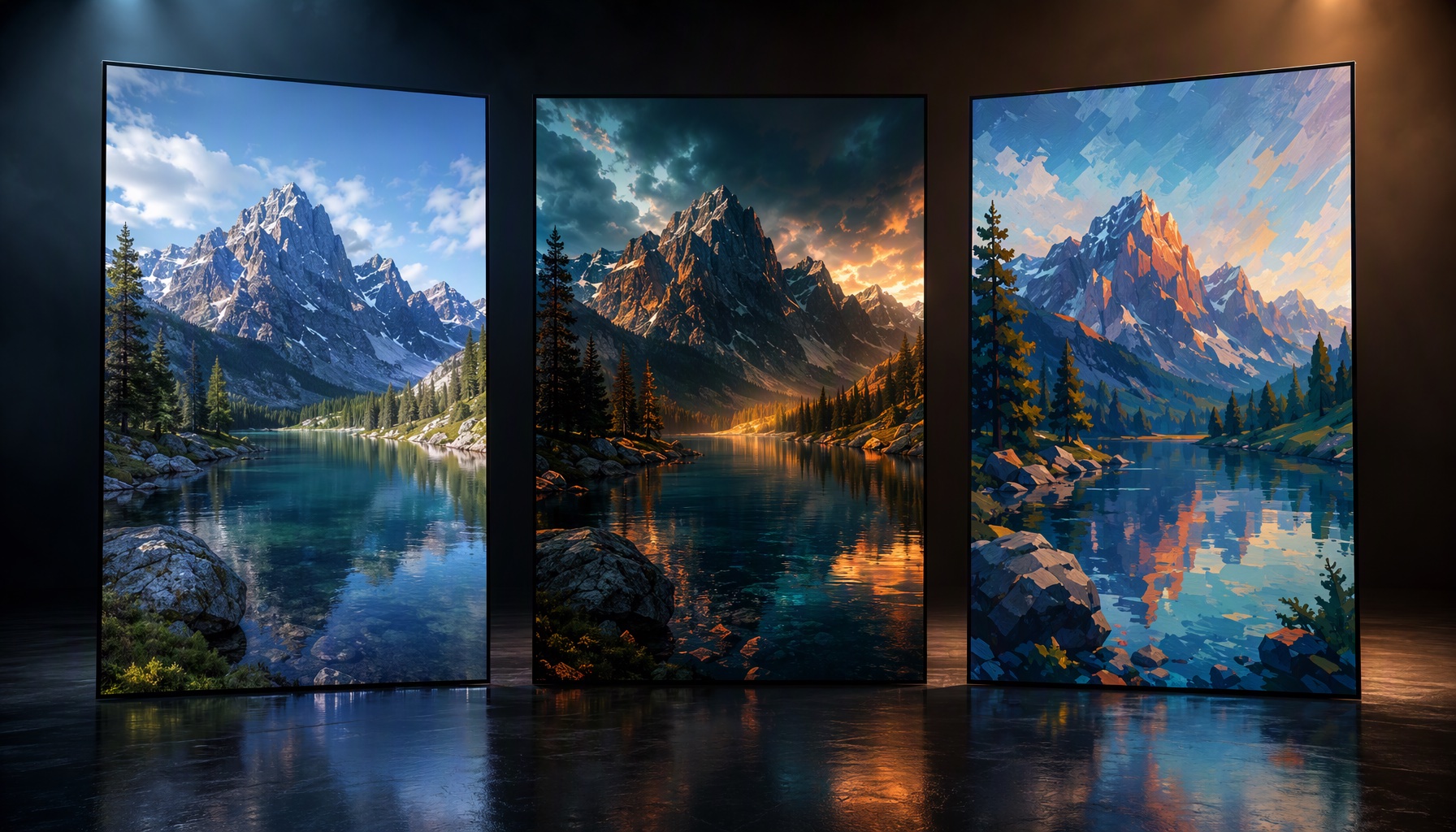
So sieht das Ergebnis eines sauber formulierten Edit-Prompts aus — ein Hintergrundwechsel auf echtem Material:
So verwendest du diese Prompts
- Öffne den NovaVideo-Composer und wähle den Videomodus.
- Prompt einfügen, Clip oder Foto hochladen, generieren.
- Tipp: Ändere immer nur eine Variable (Licht, Hintergrund oder Kamera), damit du weißt, was den Take tatsächlich verbessert hat.
Die Prompts sind nach Ziel gruppiert. Jede Gruppe nennt das Template, das sie vorkonfiguriert ausführt.
Produktwerbung (10 Prompts)
Am besten mit den Templates Produktvideo und Produkt tauschen.
Turn this product photo into a cinematic commercial: slow orbit around the product, soft studio lighting, gentle reflections, premium advertising look.
Turn this product photo into a cinematic commercial: the product stands still while the camera slowly rises and tilts down, dramatic rim lighting, dark background, premium advertising look.
Turn this product photo into a cinematic commercial: slow close-up pan across the surface showing texture, warm practical lighting, shallow depth of field, premium advertising look.
Turn this product photo into a cinematic commercial: gentle camera drift around the product on a wooden table by a window, soft morning light, natural reflections, premium advertising look.
Replace the object in this video with the product from the reference image, keeping the original camera motion, lighting direction, and shadows consistent.
Replace the soda can in this video with the product from the reference image; the label stays sharp and readable, and the hand interaction looks natural.
Turn this product photo into a bold social ad: fast push-in, punchy color grade, hard shadows, energetic but clean.
Turn this product photo into a minimalist ad clip: static camera, single soft key light, seamless white background, slow subtle zoom.
Turn this product photo into a luxury ad: very slow dolly-in, deep shadows, golden practical highlights, moody premium atmosphere.
Turn this product photo into a lifestyle ad: the product sits on a café table, background softly blurred with passing people, natural daylight, handheld feel.
Hintergrundwechsel (6 Prompts)
Am besten mit den Templates Hintergrund ändern und Green Screen.
Replace the background with a modern bright studio loft, keeping the subject, camera motion, and lighting direction exactly as in the original video.
Replace the background with a sunset beach, matching the warm golden backlight to the subject's original lighting.
Replace the background with a clean white infinity studio, adding a soft contact shadow under the subject.
Replace the background with a bustling evening street market, keeping the subject sharp and the depth of field realistic.
Replace the background with a solid green screen, keeping the subject edges clean and the motion untouched.
Replace the background with a solid white screen, preserving fine details like hair and fabric edges.
Relighting und Stimmung (5 Prompts)
Am besten mit dem Template Licht ändern.
Change the lighting to golden hour: warm low sun from the left, long soft shadows, gentle lens flare, keeping the subject and camera move identical.
Change the lighting to an overcast morning: soft diffused light, muted colors, no hard shadows, same framing and motion.
Change the lighting to a neon night mood: cool blue ambient with pink practical highlights, subtle reflections on surfaces, same composition.
Change the lighting to a cozy indoor evening: warm lamp light, soft falloff, gentle grain, same camera path.
Change the lighting to dramatic studio portrait light: single hard key from above, deep falloff, dark background, subject unchanged.
Aufräumen und Objektentfernung (4 Prompts)
Am besten mit dem Template Alles entfernen.
Remove the trash bins from the left side of the frame and reconstruct the pavement behind them naturally.
Remove the bystanders in the background while keeping the main subject and camera motion untouched.
Remove the parked car from the scene and rebuild the road and shadows behind it consistently.
Remove the on-screen text overlay area and reconstruct the wall pattern behind it.
Restyling und Foto-zu-Video (5 Prompts)
Am besten mit den Templates Video Restyling, Alte Fotos beleben und Dynamischer Comic.
Redraw the entire video in cel-shaded anime style, keeping the composition, camera motion, and timing exactly aligned with the source.
Redraw the entire video in a claymation look with soft stop-motion texture, preserving every camera move.
Animate this old photograph: subtle natural motion in the scene, gentle breathing movement on the person, film-like texture preserved.
Turn this comic page into a living animated scene: the panels open up into a full illustrated world with ambient motion.
Redraw the entire video in a watercolor style with soft paper texture, keeping the original framing and pacing.
Drei Regeln für Kurzvideo-Prompts
- Nenne, was sich nicht ändern darf. „Kamerabewegung beibehalten", „Motiv identisch halten", „Timing beibehalten" — diese Erhaltungsanweisungen unterscheiden einen Edit von einer Neuinterpretation.
- Eine Bewegung, ein Licht, eine Änderung. Kleine Bildschirme verzeihen viel, aber keine gestapelten Effekte. Ein Clip, der eine Sache sauber ändert, wirkt absichtsvoll.
- Generiere Takes, keine Master. Zwei, drei Takes pro Prompt, das Beste auswählen, weitergehen. Die Pipeline ist billig; deine Aufmerksamkeit ist die knappe Ressource.
FAQ
Kann ich diese Prompts in jedes KI-Videotool einfügen? Sie sind für die Seedance-2.5-Edit-Modi geschrieben, die NovaVideo verwendet. Andere Tools akzeptieren ähnliche Formulierungen, aber die präzisen Edit-Funktionen (Hintergrundwechsel, Relighting, Entfernung) hängen davon ab, ob das Modell diese Modi unterstützt.
Brauche ich ein Referenzbild? Nur für Prompts mit „reference image“ — die Produkttausch-Varianten. Alles andere funktioniert mit einem einzelnen Clip oder Foto.
Wie lang sollten Clips sein? Kurzform heißt 5–10 Sekunden pro Einstellung. Generiere einstellungslange Clips und schneide sie im Editor zusammen — so bleiben die Hooks eng.
Nimm einen Prompt, öffne den NovaVideo-Composer und lege dein eigenes Material hinein. Am schnellsten lernst du diese Prompts, indem du einen ausführst, ein Wort änderst und erneut ausführst.

Weitere Beiträge
Produktvideos mit KI erstellen: Hochkonvertierende Clips für Online-Shops & Social Media
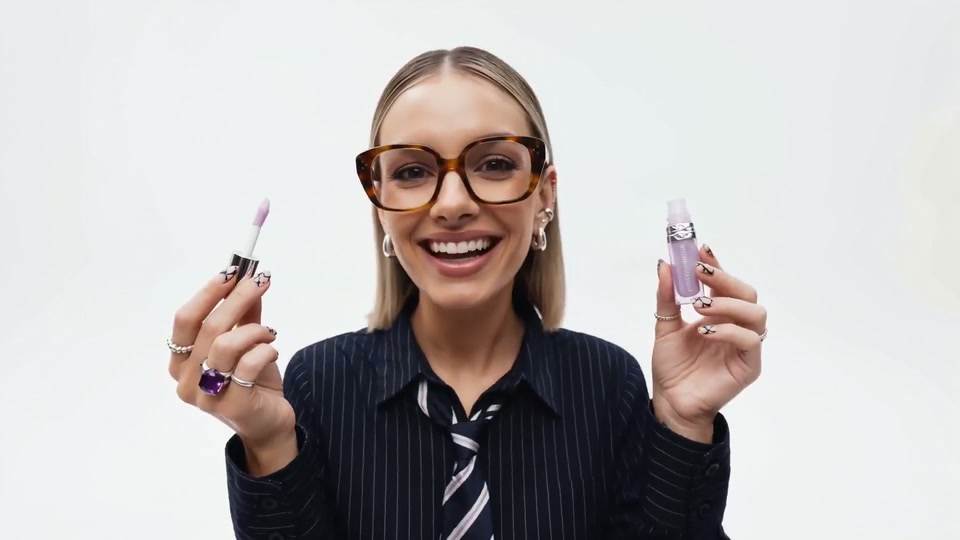
Verwandle ein einzelnes Produktfoto mit einer Image-to-Video-Prompt in einen filmischen Werbeclip. Diese Schritt-für-Schritt-Anleitung zur Product Video-Vorlage behandelt gute Quellbilder, die Prompt-Formel mit Kameravarianten und die Einstellungen, die zählen.

Einen eigenen Kurzfilm mit KI erstellen: Der komplette Workflow
Vom Storyboard zum festivaltauglichen Schnitt: Wie KI-Video-Editing in eine echte Kurzfilm-Pipeline passt — Animatics aus Storyboard-Seiten, Look Development mit ganzheitigem Restyling, Relighting für Stimmung und Szenen-Cleanup — mit ehrlichen Hinweisen, was manuell bleibt.

Seedance 2.5 vs. Kling vs. Runway: Die Top KI-Videogeneratoren im Benchmark-Test (2026)
Ein praxisnaher Vergleich von Seedance 2.5, Kling und Runway für echte Creator-Workflows — Image-to-Video-Konsistenz, Bearbeitungsmodi, Kosten und Zugang — geschrieben aus eigener Produktionserfahrung, mit einer Auswahl-Tabelle pro Anwendungsfall.